Edit a mix for a submittal
1. Click on Submittals in the sidebar menu.
2. Click Create Submittals
3. Select a mix and a plant.
4. Click plus icon.
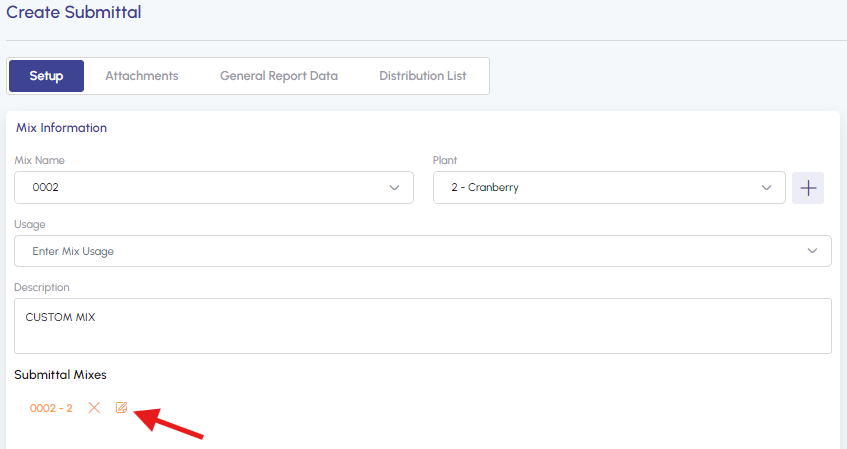
5. To change the mix for a submittal, click on the edit icon.
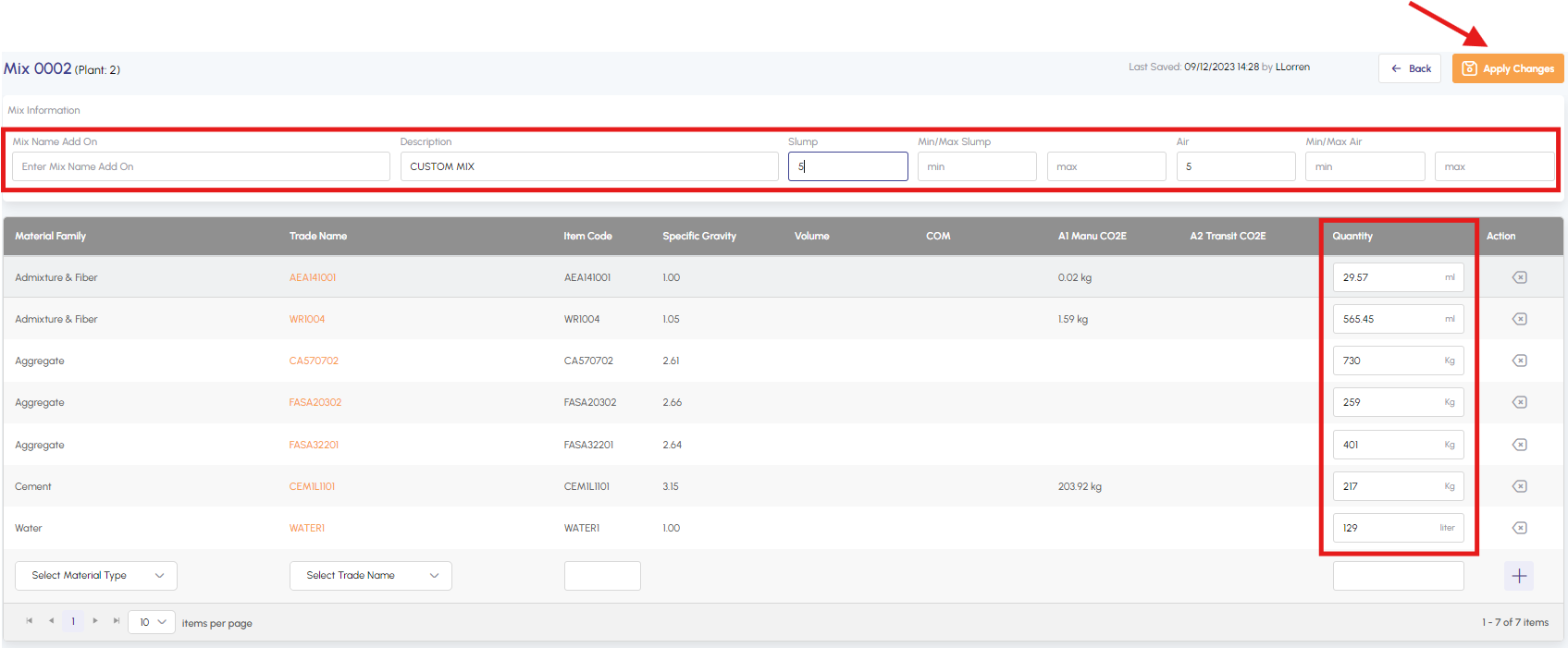
6. To make changes to the Mix information or the quantity of materials, simply update them and then click on Apply Changes.