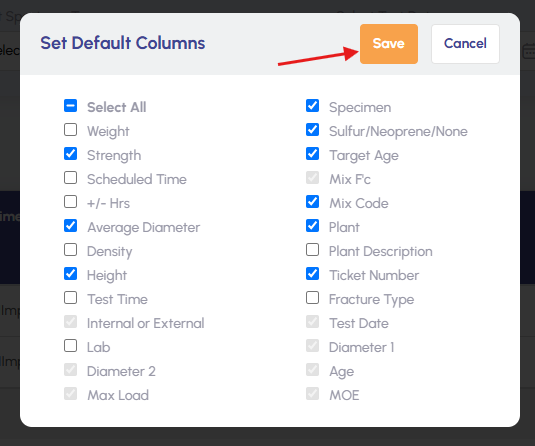
How to customize columns in the Test Entry Hub view?
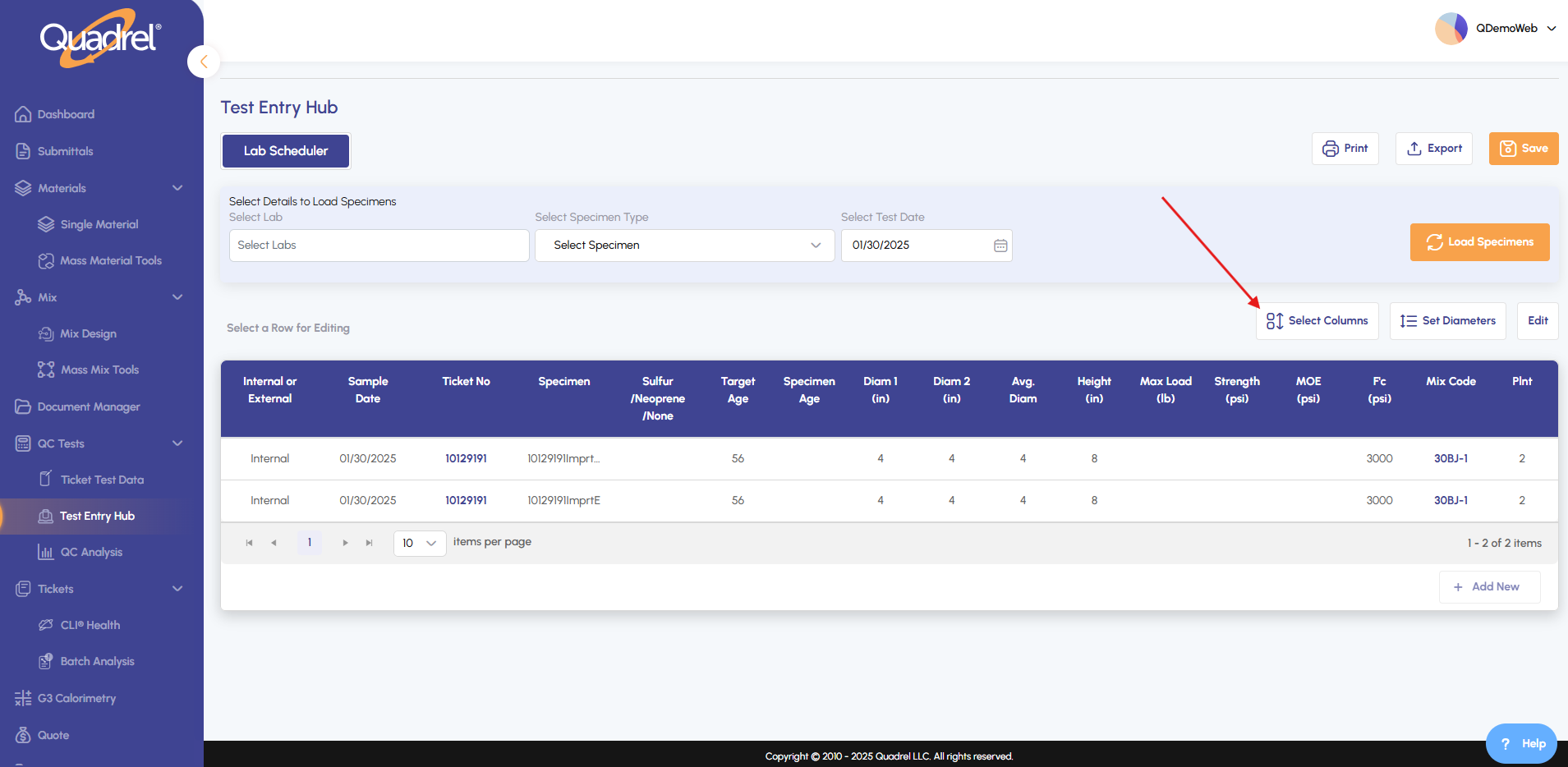
1. Navigate to Test Entry Hub from the main menu. Click 'Select Columns' to open the column customization panel.
2. Check or uncheck boxes to add or remove columns from your view. Click 'Save' to apply your changes. These settings will become your default view."